Today we are launching Steno Keyboard on the App Store. It is a custom iPhone keyboard with built-in voice dictation, swipe-to-type, and predictive text. The same fast transcription you know from the Mac app, now in every app on your iPhone.
Download it free from the App Store →
How it works
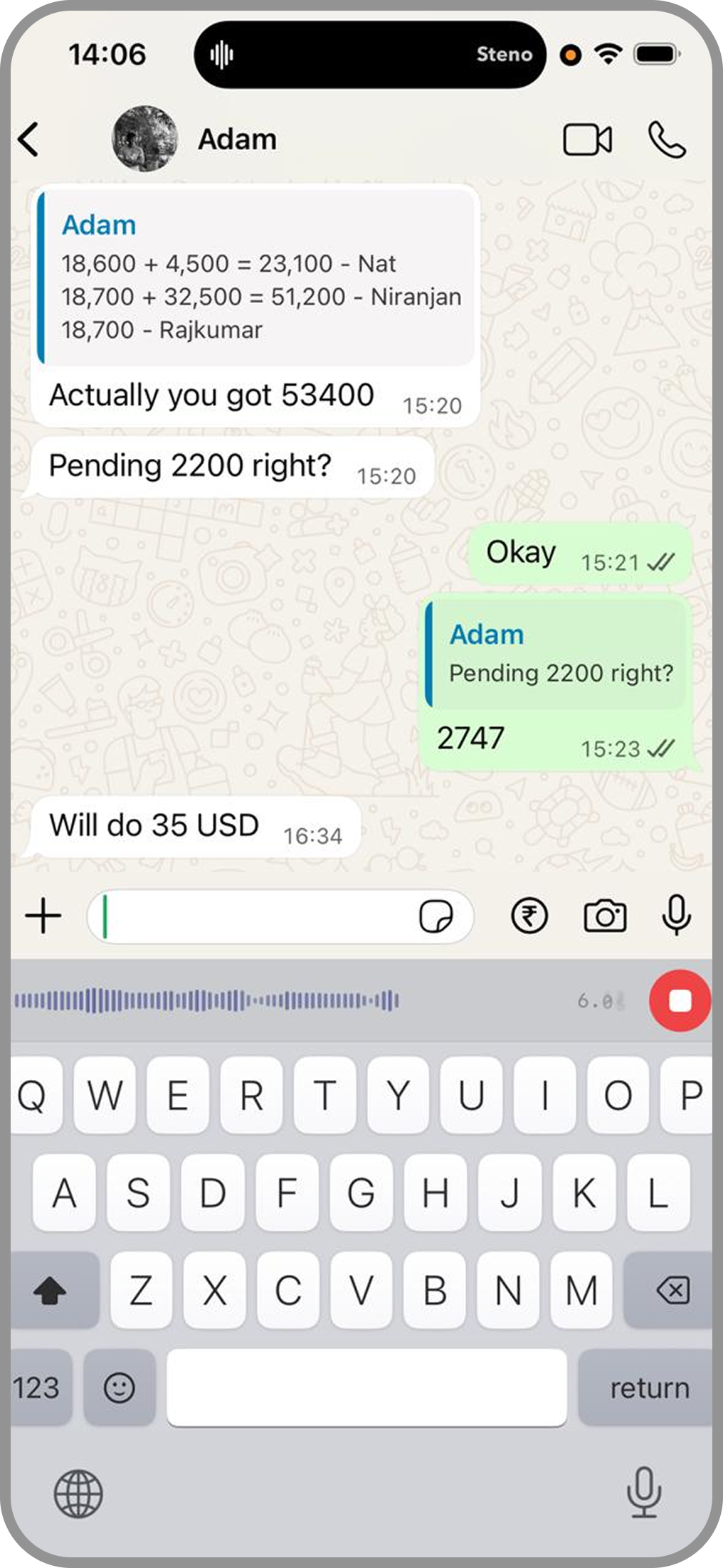
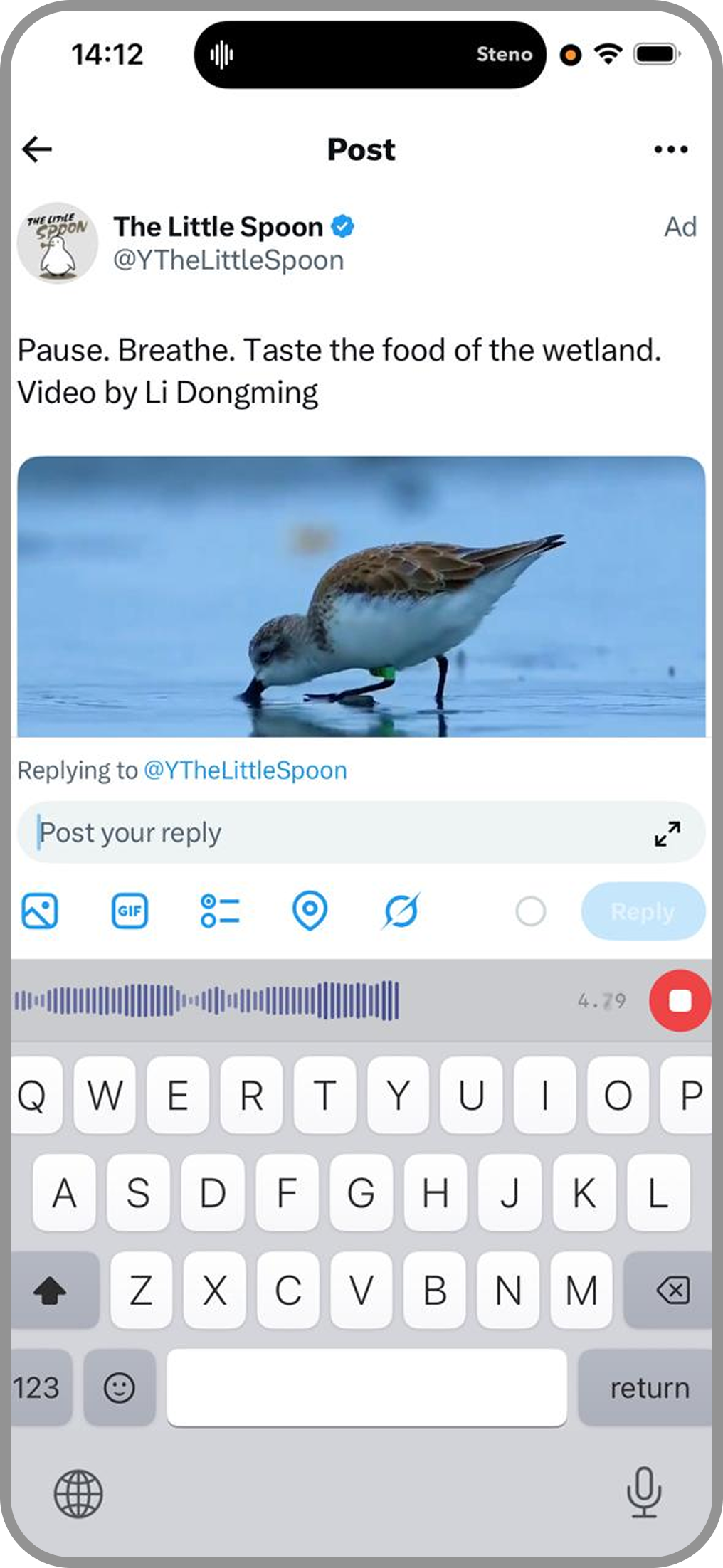
Steno Keyboard replaces your default iPhone keyboard. Once installed, you tap the globe icon to switch to it, then tap the mic button to start dictating. Speak naturally, and your words appear in real time. It works in every app: WhatsApp, iMessage, Instagram, Twitter, Gmail, Slack, Notes, and anything else with a text field.
The keyboard also supports swipe-to-type (slide your finger across letters to form words), predictive text suggestions, and a full QWERTY layout. Voice dictation is not the only input method; it is one tap away whenever you need it.
Your stats, your streak
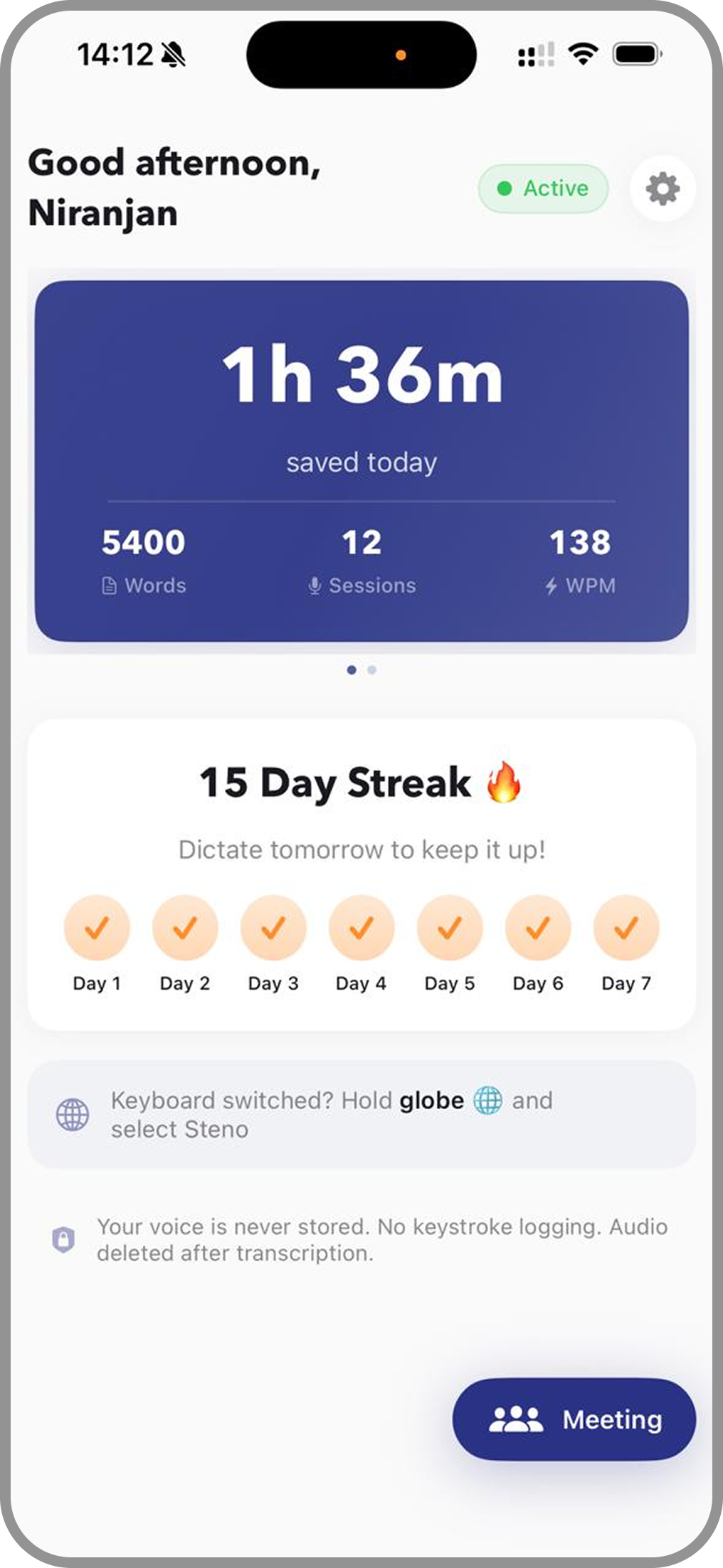
The Steno app tracks everything: words dictated, time saved, sessions, and your average WPM. There is a daily streak to keep you motivated, and a dashboard that shows exactly how much typing you have replaced with your voice.
What makes it different
Most voice-to-text apps on iPhone require you to leave the app you are in, record in a separate interface, copy the text, and paste it back. Steno Keyboard lives inside every app. You never leave the conversation or the document. Tap the mic, speak, and the text appears right where you are typing.
- Works everywhere — Any app that uses a keyboard. WhatsApp, Instagram, email, notes, browsers, everything.
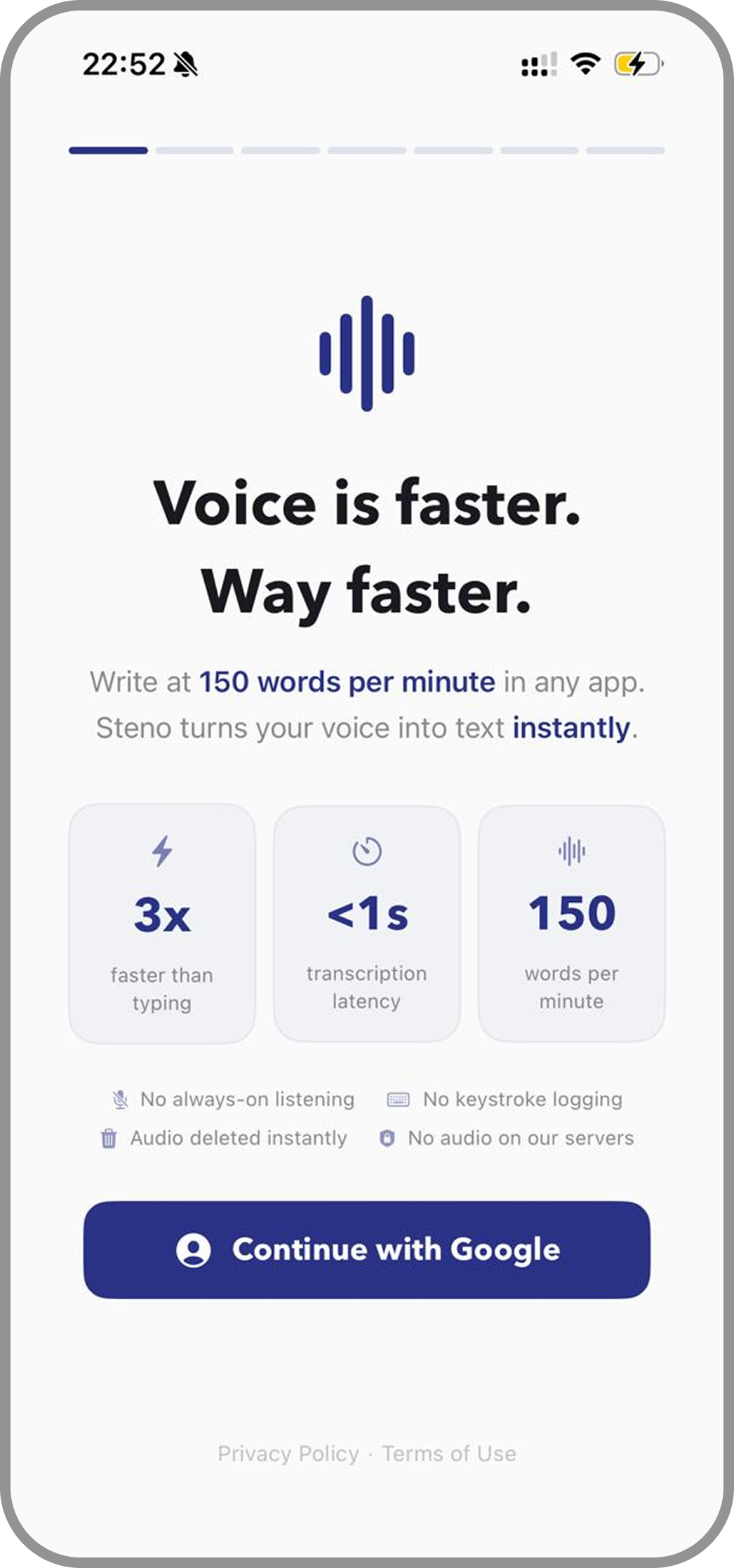
- Fast transcription — Same cloud-powered transcription engine as the Mac app. Sub-second results.
- Swipe typing — Slide across keys to type words without lifting your finger.
- Predictive text — Smart word suggestions based on context.
- Privacy first — Your voice is never stored. Audio is transcribed and immediately deleted. No keystroke logging.
- Meeting mode — Live transcription with speaker identification for meetings on the go.
Works with the Mac app
If you already use Steno on your Mac, the iPhone keyboard is a natural extension. Same account, same fast transcription. You get voice-to-text on every device you use, wherever you are.
If you are new to Steno, the iPhone app is a great place to start. It is free to download and try.